Updated
Most roundups of WordPress directory plugins compare features and prices. This one compares what Google sees: the URLs each plugin makes for listings, categories, locations and searches, what it leaves to your SEO plugin, and what listing owners can see. Those details decide whether a directory can rank for “category in city” searches, which is where most of the demand is.
Facts come from each vendor’s documentation, support forums and WordPress.org listings, checked in November 2026. Defaults change between versions, so check your own permalink settings.
At a glance
| Plugin | Listing URL | Category / location URLs | Search URLs | Owner stats built in | Size |
|---|---|---|---|---|---|
| GeoDirectory (plugin) | /places/name/ | Category + location combined; location pages with the Location Manager add-on | Parameters (?geodir_search=1) | Basic GA4 numbers via free add-on | 10,000+ installs |
| Directorist (plugin) | /directory/name/ | Taxonomy archives since version 8.5 | Not documented | View count; paid Analytics extension | 20,000+ installs |
| HivePress (plugin) | /listing/name/ | /listing-category/name/ | WordPress ?s=, can’t be restructured | Statistics extension, last 30 days | 10,000+ installs |
| Business Directory Plugin | /business-directory/658/name/ | /business-directory/wpbdp_category/name/ | Not documented | None documented | 10,000+ installs |
| ListingPro (theme) | /listing/name | /category/name, /location/name, no combined page | Parameters (?lp_s_loc=) | Dashboard stats | 33,000+ sales |
| Listeo (theme) | /listing/name or /restaurants/new-york/name | Region + feature pages, e.g. /new-york/parking/ | Parameters | Dashboard statistics | 11,600+ sales |
Install counts are WordPress.org bands; sales are ThemeForest totals. Neither is a count of live directories.
Five things that decide a directory’s SEO
- A clean page for each category in each place. “Plumbers in Austin” is the search that brings directory traffic. A plugin that can give that combination its own readable URL, title and description can rank for it. One that only offers a category page and a location page leaves that search to someone else.
- Search and filter URLs kept out of the index. Most of these plugins run searches through URL parameters. That’s fine as long as those pages are noindexed or blocked; if not, Google crawls an endless list of near-identical result pages.
- Location and category pages in the sitemap. On WordPress the sitemap usually comes from Yoast, Rank Math or WordPress itself, and custom location pages are easy to miss. Check that they’re in it.
- Stable listing URLs. Changing the permalink base or the order of category and location later changes every URL on the site. Pick the structure before you launch; if you change it, redirect every old URL.
- Numbers listing owners can see. Owners pay for visibility. Built-in stats count views and clicks on your site; none of these plugins show the Google searches a listing appears for.
Plugin by plugin
GeoDirectory
The most location-aware option. Version 2 builds combined category + location URLs such as /places/category/beaches/united-kingdom/cornwall/, and the paid Location Manager add-on adds country, region and city pages. Titles and descriptions for those pages come from templates (for example category “in” location). If Yoast is active, its settings take over. Search URLs stay as parameters. GeoDirectory SEO guide →
Directorist
Listings sit under /directory/ by default. Older versions used assigned pages for single categories and locations; version 8.5 moved to native WordPress taxonomy archives, so sites upgraded from older versions may have both kinds of URL. It includes schema and works with Yoast. A view count setting and a paid Analytics extension cover on-site numbers. WordPress.org listing
HivePress
Clean /listing/ and /listing-category/ bases, plus vendor pages for marketplaces. Search uses WordPress’s own ?s= parameter, and its community forum says category searches can’t be given clean URLs. The Statistics extension shows views and unique visitors for up to 30 days. Statistics extension
Business Directory Plugin
The simplest to start with. Listing URLs include a numeric ID (/business-directory/658/sample-listing/) and category URLs carry the wpbdp_category base. It leans on Yoast for SEO: without an SEO plugin you can’t edit category descriptions. Their SEO guide
ListingPro
A theme rather than a plugin. Theme Options set short bases: /listing/, /category/, /location/. There is no combined category + location page, so “category in city” searches land on search results with ?lp_s_loc= parameters. ListingPro URL docs
Listeo
Also a theme, with the most flexible permalinks of the group: listings can include category and region (/restaurants/new-york/amazing-restaurant), and region + feature pages such as /new-york/parking/ are an option. Users report 404s after changing permalink settings, so set them before launch. Listeo permalink docs
Which one for a directory that lives on search traffic
If ranking for category-in-city searches is the plan, start with a plugin that gives those combinations real pages: GeoDirectory with Location Manager, or Listeo’s category + region permalinks. HivePress and Directorist are good builders with simpler URL schemes; plan to make your own location landing pages for the cities that matter. Business Directory Plugin suits small or member directories more than search-led ones. Whichever you choose, noindex the search URLs and check the sitemap on day one.
Measuring a WordPress directory, whichever plugin you use
DirectoryLens works from Google’s data rather than from the plugin, so it treats all of these the same way:
- Verify the site in Search Console (Site Kit, Yoast or Rank Math) and submit the sitemap.
- Sign in to DirectoryLens with Google, pick the property and link GA4 if you have it.
- Click Propose from URLs: it groups listings, category, location, pagination and parameter URLs by shape. Adjust the rules to your permalink settings and save.
- Optionally add the snippet after your GA4 tag (WPCode or your theme’s header box) to count phone, email and directions clicks:
<script async src="https://directorylens.com/snippet.js"></script>
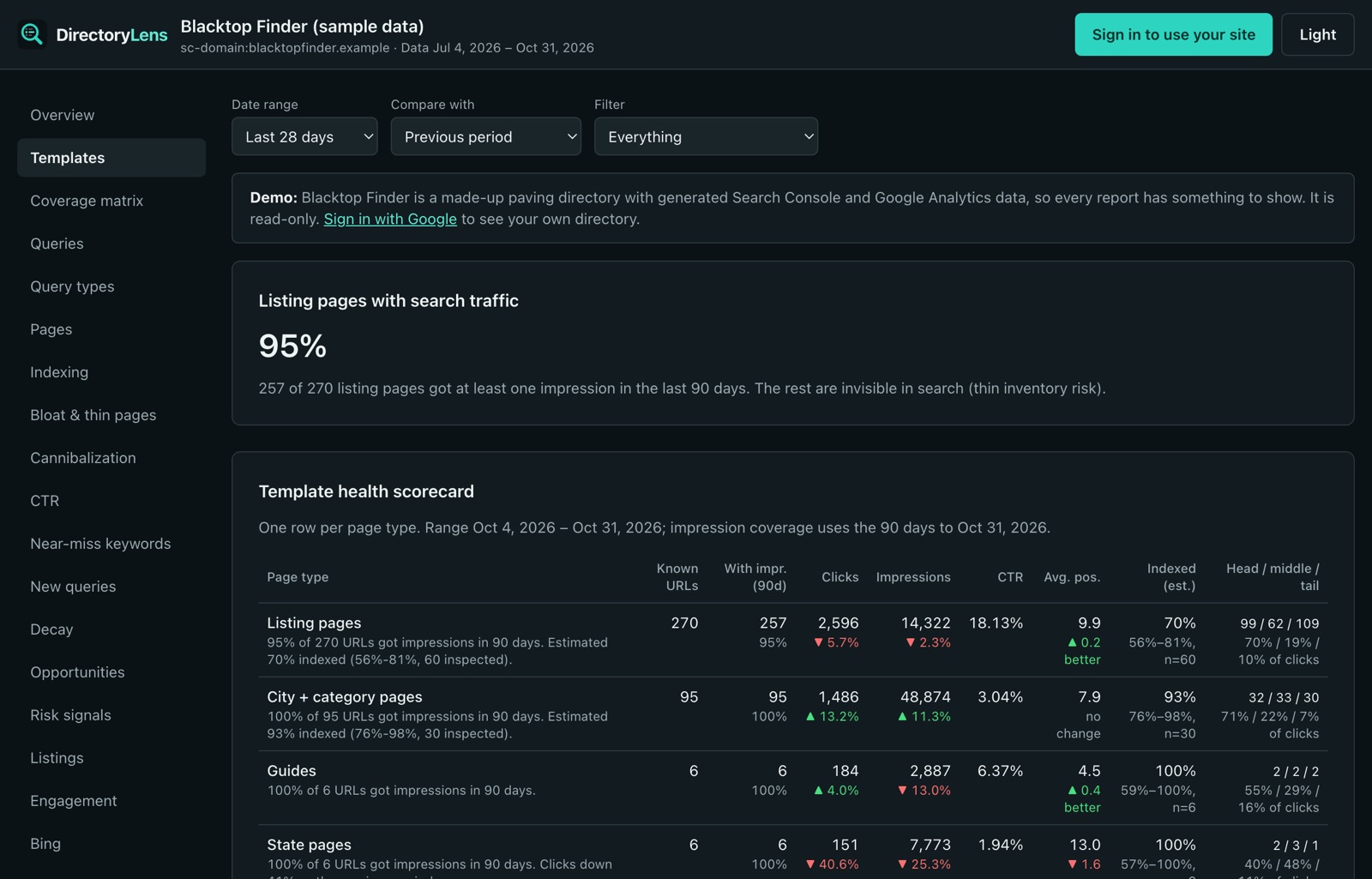
You then see clicks, indexing and quality signals for each page type: whether Google indexes your listings, whether search URLs are leaking into the index, which location pages are never shown, and which category-in-city searches have no page yet.